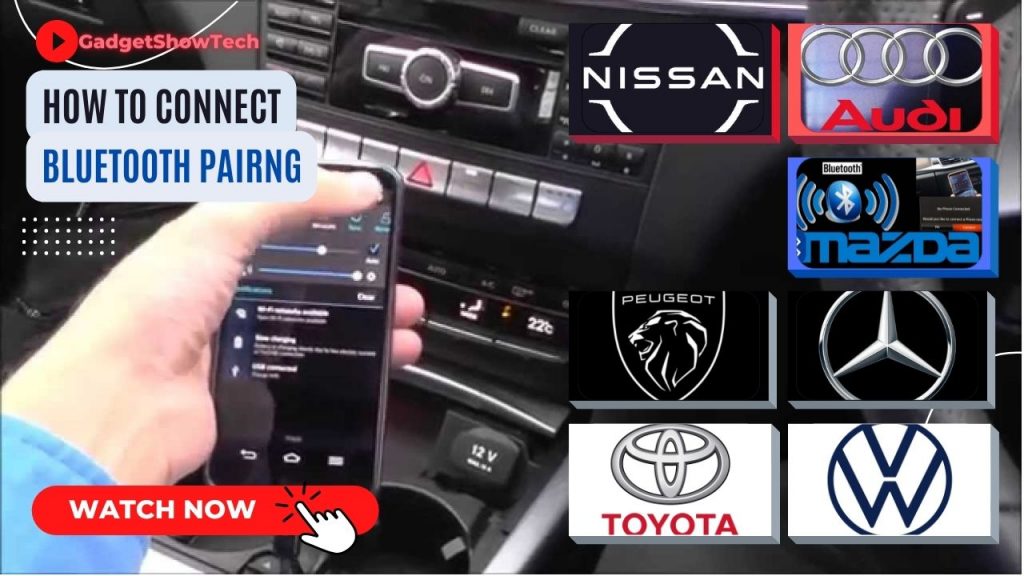
Welcome to our comprehensive guide on pairing your smartphone via Bluetooth with some of the UK’s most popular car manufacturers, including Audi, Volkswagen, Mercedes-Benz, Nissan, Peugeot, Toyota, and Mazda.
Bluetooth is a universal wireless technology standard that operates using short-wavelength UHF radio waves (in the ISM band from 2.4 to 5 GHz) to connect fixed and mobile devices seamlessly. Before your phone and your vehicle’s infotainment system can begin transferring data, playing music, or handling hands-free calls, they must first be paired.
Whether you are configuring a system in a Volkswagen Tiguan, a Mercedes E-Class, or an Audi saloon, the process is quick and straightforward. Select your manufacturer from the quick links below to jump straight to the dedicated, step-by-step video guide for your car brand.
Before watching the instructional videos, please ensure that Bluetooth is turned on on your mobile device:
- Swipe down from the top of your screen twice to access your quick settings
- Tap the Bluetooth icon to turn Bluetooth on or off
How to Bluetooth AUDI | Mazda | Mercedes | Nissan | Peugeot | Toyota | Volkswagen
Volkswagon Tiguan Touran
Vauxhall Opel Corsa
AUDI Setup with A3 A4 A5 S4
Nissan LEAF, Juke, QASHQAI, X-Trail
Toyota Setup with bZ C-HR Corolla Yaris
Mercedes-Benz C-class, E-class, GLK-class and S-class
Peugeot Setup with Allure 208 308 3008
MAZDA Setup with CX MX RX
I wish to thank:
2022: Palmers Peugeot, Steven Eagell, Toyota Watford
2020: AUDI, Mazda and Volkswagen North Watford.
2018: Mercedes Watford